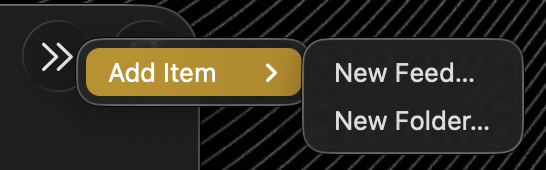
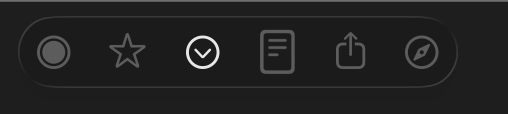
I’m guessing you must have customized your toolbar, and there’s not enough room for that icon so it’s using a chevron and a menu.
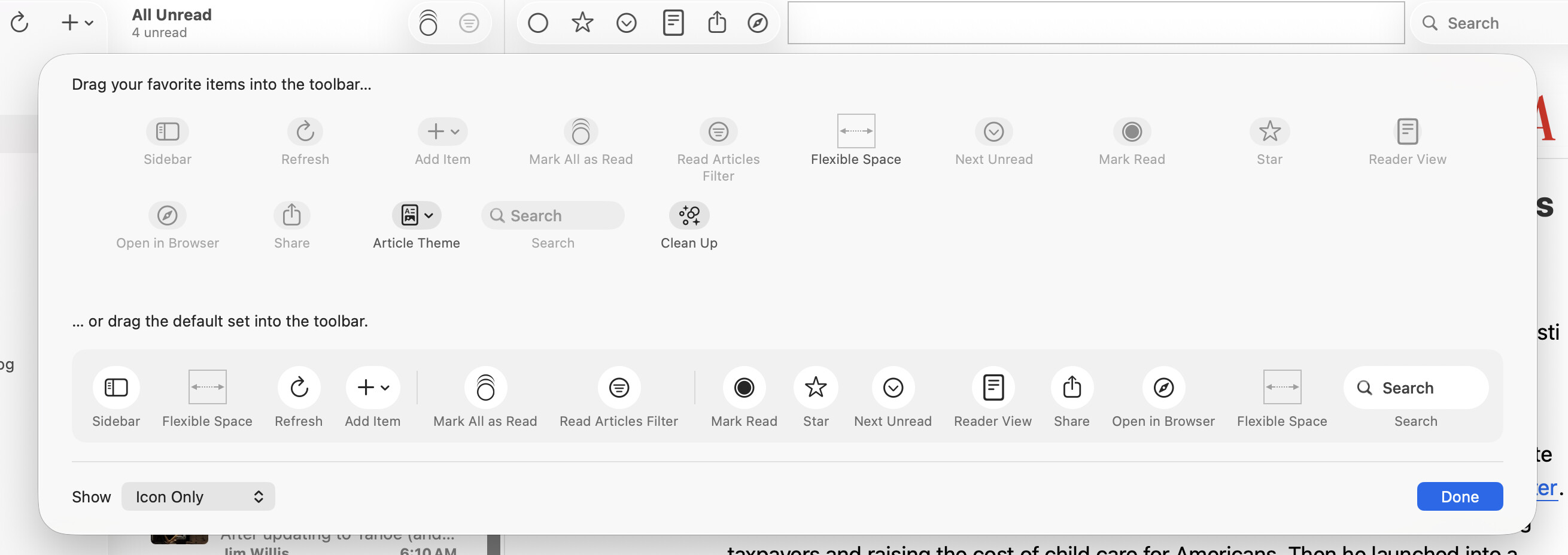
If you customize your toolbar, can you put that item back where it goes? And does it stay there? Or is something going on that I just haven’t seen yet on my computer?
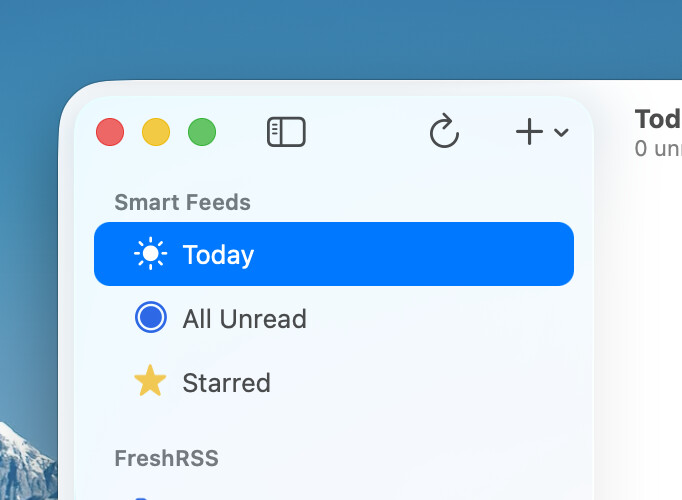
After a little messing around, I have got the toolbar to comply and is now pretty much like your screenshot Brent.
I hadn’t customised the toolbar, so I don’t know why it behaved that way. Whilst now customising to get the + icon back to the left next to refresh, it actually pushed the refresh button to the right under the double chevron (changing places with the “new” button).
I wondered if resizing the window (which was already quite wide on a Studio Display) would trigger something, but no, it did nothing regardless of the width of the window (also tried adjusting height - in for a penny etc). What seems to have triggered a ‘correct’ redraw was punting the app into full screen mode (green button) then back into windowed. I have absolutely no idea if it was indeed this, but I thought it useful to mention what I did and how it got back to being ‘normal’ and persistent after restartign the app.
If you need anything else, let me know. More than happy to help.
Just for clarification, in my case, the + button didn’t just disappear, it added another double chevron button (>>) to the extreme right of the application window next to the search box which had collapsed into a search button: