Show only the unread feeds

Hi all, I have a been a NNW user on iOS for many many years, and recently I got a MacBook Air, so I immediately installed my favorite rss reader on it.

On iOS, I am used to see only the unread feeds, by activating the filter button on the top right:
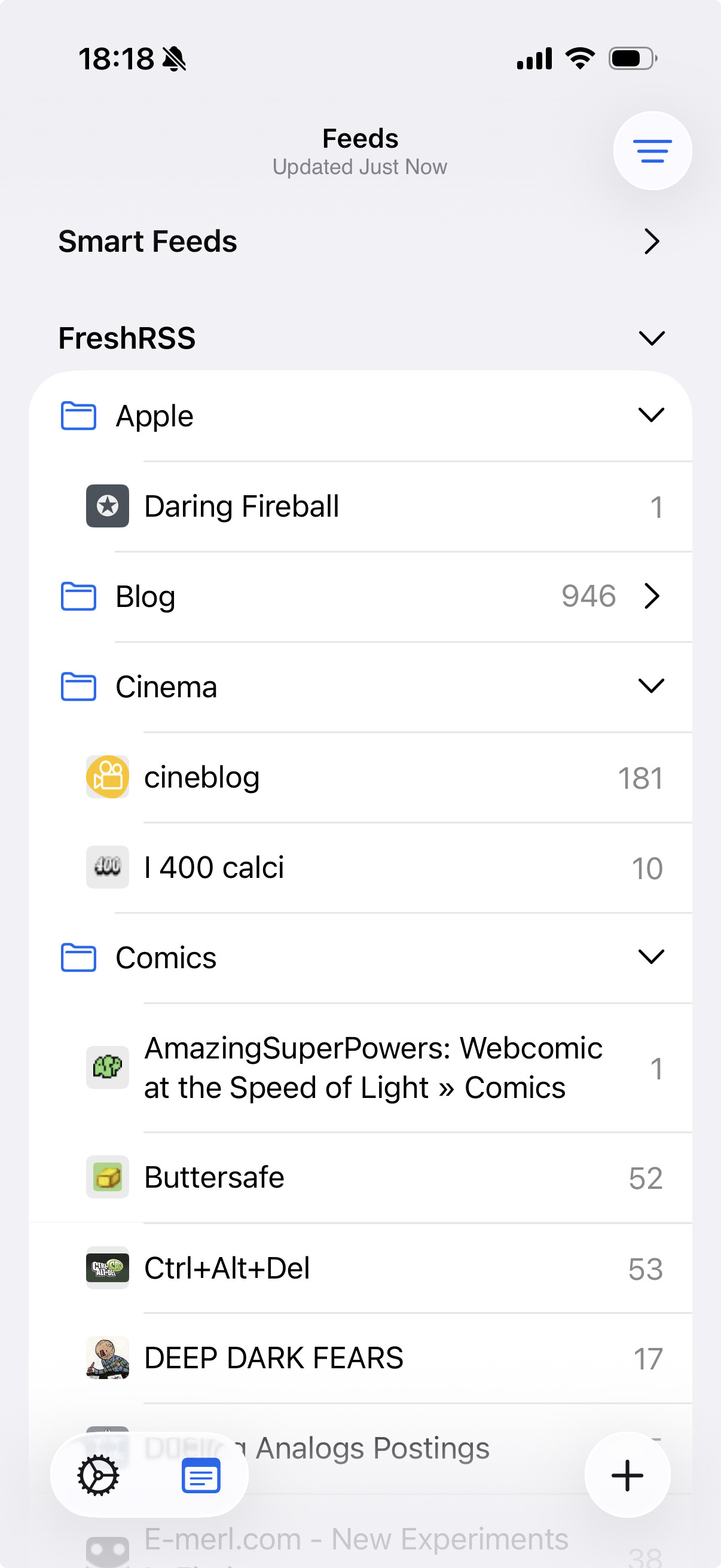
I’d like to have the same on the Mac too, but I cannot find a way to achieve this (I tried to add a screenshot of the Mac NNW windows but I cannot because I’m a new user).

Is the filter button available on macOS? And if yes, where is it?

Thanks!

Not a button — it’s in the View menu. Hide Read Feeds :+1:

I also struggled to find that option a while ago, I even came to think the feature was not available in Mac. Could be worth to consider increasing its visibility, maybe a button in the sidebar​:light_bulb:

1 Like

Thanks @brent, it makes a lot of sense to have the command in the View menu of course, but coming from the iOS app I expected to have a button on the main window.

Anyway, I achieved what I needed!

Thanks again.