In a recent DF post, I included small icon images that I copied from an Apple Support document. In my own markup, I used a style="height: 1em;" attribute to shrink the images to roughly the size of the text. On my website, they looked pretty much how I wanted:
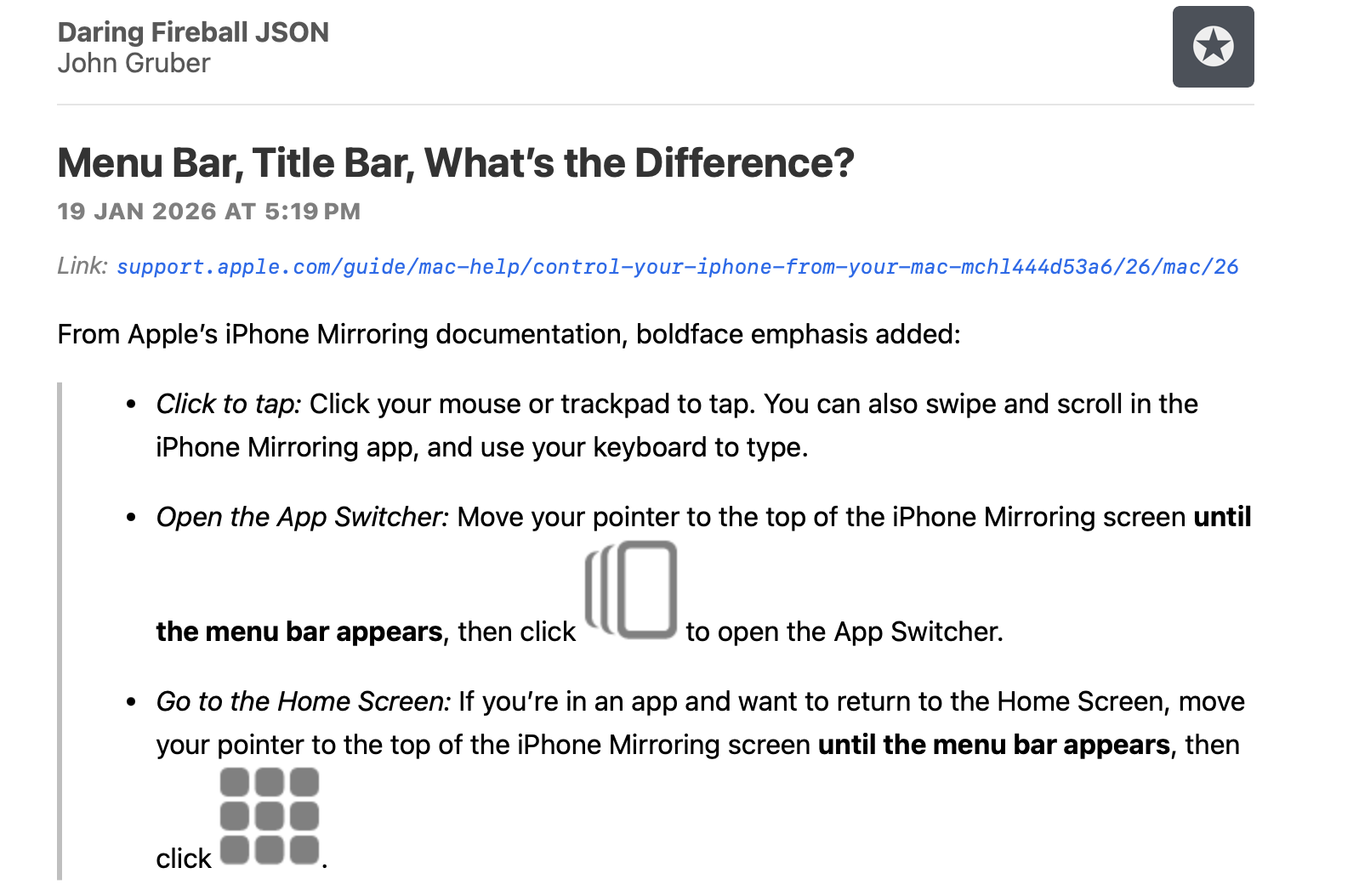
In NetNewsWire, however, my attempt to size the images to match the text size is ignored, seemingly by all themes, and the images look ridiculous. Adding a height=16 attribute to the img tags didn’t make a difference. Screenshot:
Is there anything I can do to get images as inline icons to render smaller in NetNewsWire?
Here’s some of my article markup:
It certainly sounds like these instructions are for users who, sadly, have the menu bar hidden by default. But there are no <img src="https://daringfireball.net/misc/2026/01/iphone-mirroring-app-switcher-button.png" alt="The App Switcher button" style="height: 1em;"> or <img src="https://daringfireball.net/misc/2026/01/iphone-mirroring-home-screen-button.png" alt="The App Switcher button" style="height: 1em;"> buttons in the menu bar. These buttons are in the iPhone Mirroring *window title bar*, which is, for all users, hidden by default:
This is also a very common issue when normal emoji are used in many WordPress-powered feeds. For whatever reason, WordPress (or maybe it’s some popular WordPress plugin?) converts normal Unicode emoji characters into inline images for RSS feeds. The image code in the feed includes inline sizing similar to what John was trying to do, but the images end up rendering at their full size nonetheless.
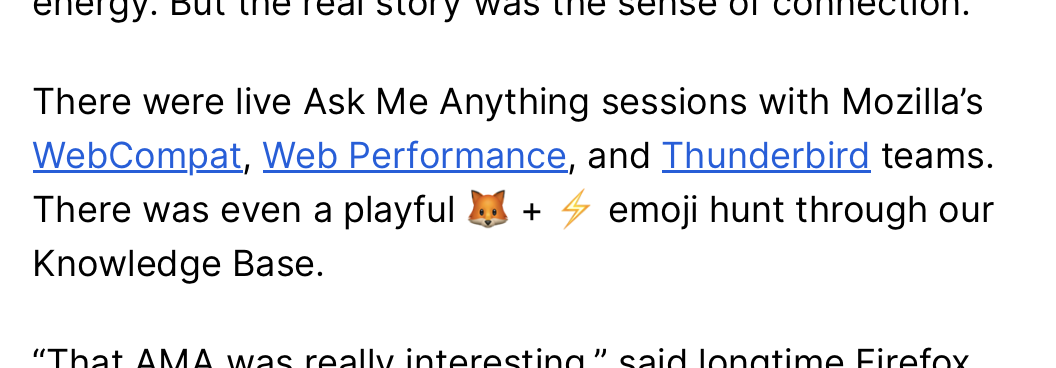
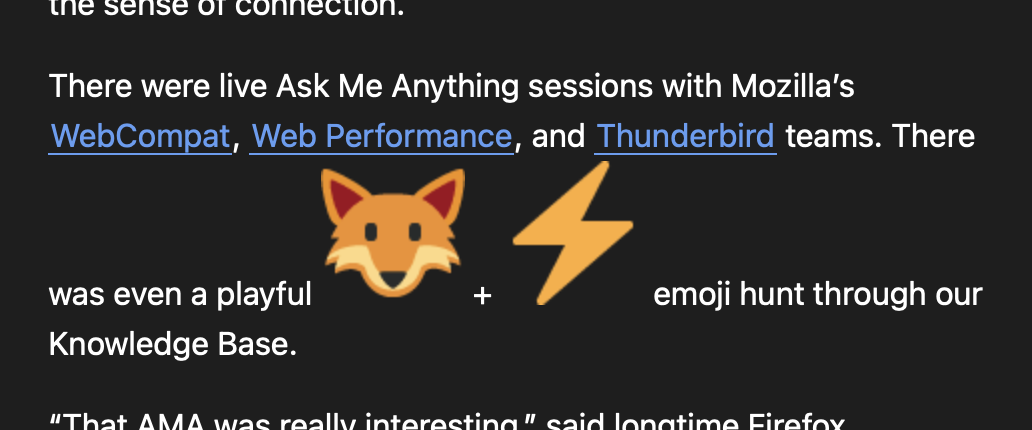
For a specific example, this article on the Mozilla blog has a couple plain-text emoji:
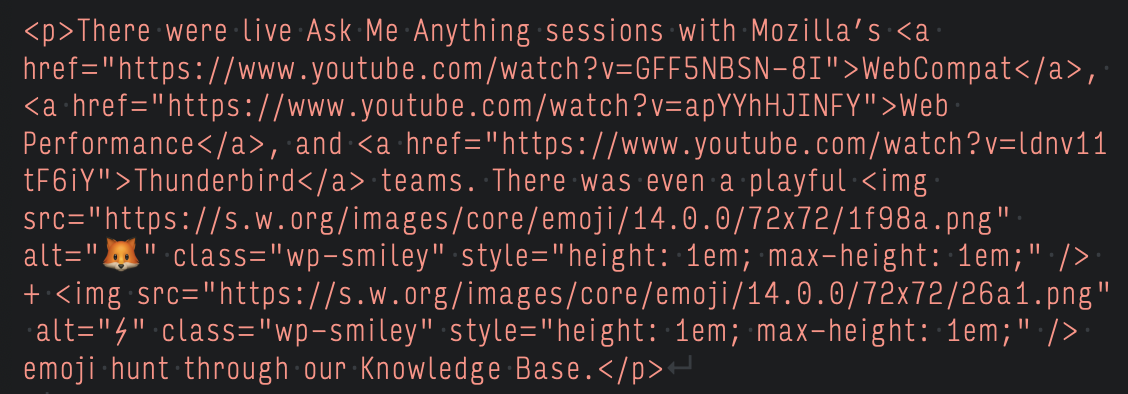
Even though the emoji are rendered with plain-text Unicode characters on the web page, their WordPress setup renders them as inline images in their feed’s code, like so:
But even with the inline height set there, this is how they appear in NNW (as John mentioned, the result appears to be the same for all themes, but this is the default theme):
This brings up a somewhat tangential question though: Is there any specific subset of inline stylization that is/should be supported in the context of feed readers?
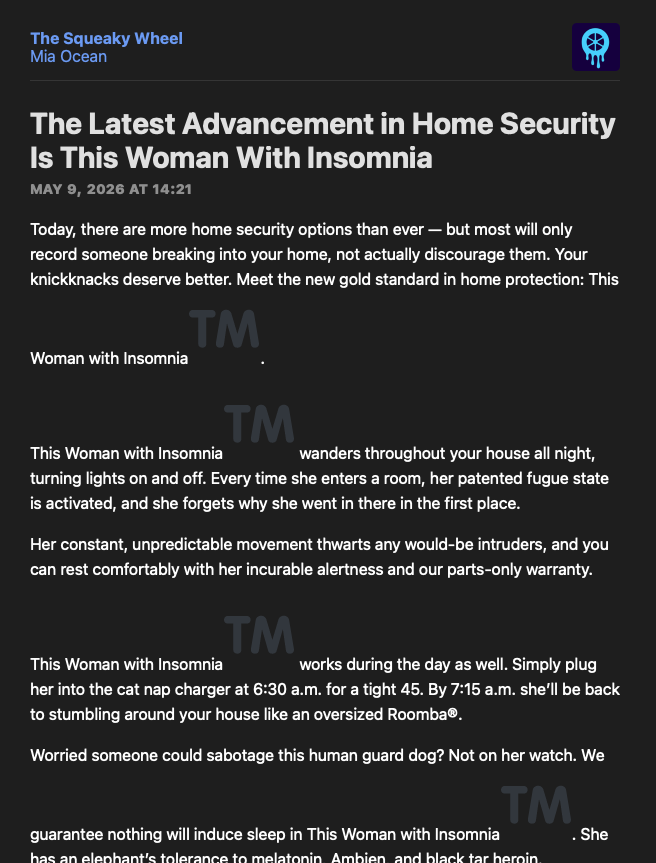
I’m not sure if the fix you had planned ended up getting shipped, but I am still seeing enlarged emoji images in Wordpress-powered feeds. For example I see them in the NNW view of this article with non-emoji trademark ™ symbols. Here’s a screenshot with the default theme in the latest NNW beta 7.0.6b1 Build 7055:
I don’t know why Wordpress is converting non-emoji trademark symbols to an image-based emoji equivalent for RSS feeds (especially when they don’t seem to convert the registered trademark ® symbol which also has an emoji equivalent).
For what it’s worth, this is how the trademark symbol is rendered in the source code for that article, with the 1em height styling:
Ah, that explains it then. I wasn’t aware Feedbin and others were re-writing feed content – that’s somewhat disappointing. I can see why they might do so for their own feed reader’s presentation purposes but I don’t get why they would do it for feeds being read in some other feed reader.