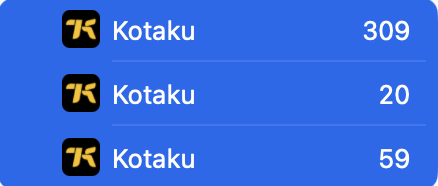
I have NNW setup on other Macs/iPhones and got a new work Mac to set it up on also. However it seems that each time I set it up with my iCloud account it syncs down duplicate feeds (sometimes triplicate). Then it becomes a dance of which feed to remove, because if I get the wrong one, it will remove the one and only feed on my other machines.
Is there some way to perform a reset sync, where I can get a machine that is in a “good” state to push and override the data in iCloud, in the hope that all other devices will then respond accordingly?
On the Mac, select a feed, then choose Window > Info. The feed URL will be at the bottom of the info window.
Then select another of the feeds. The info window will update and show the feed URL of that feed. See if it’s different or not, then do the same for the third feed