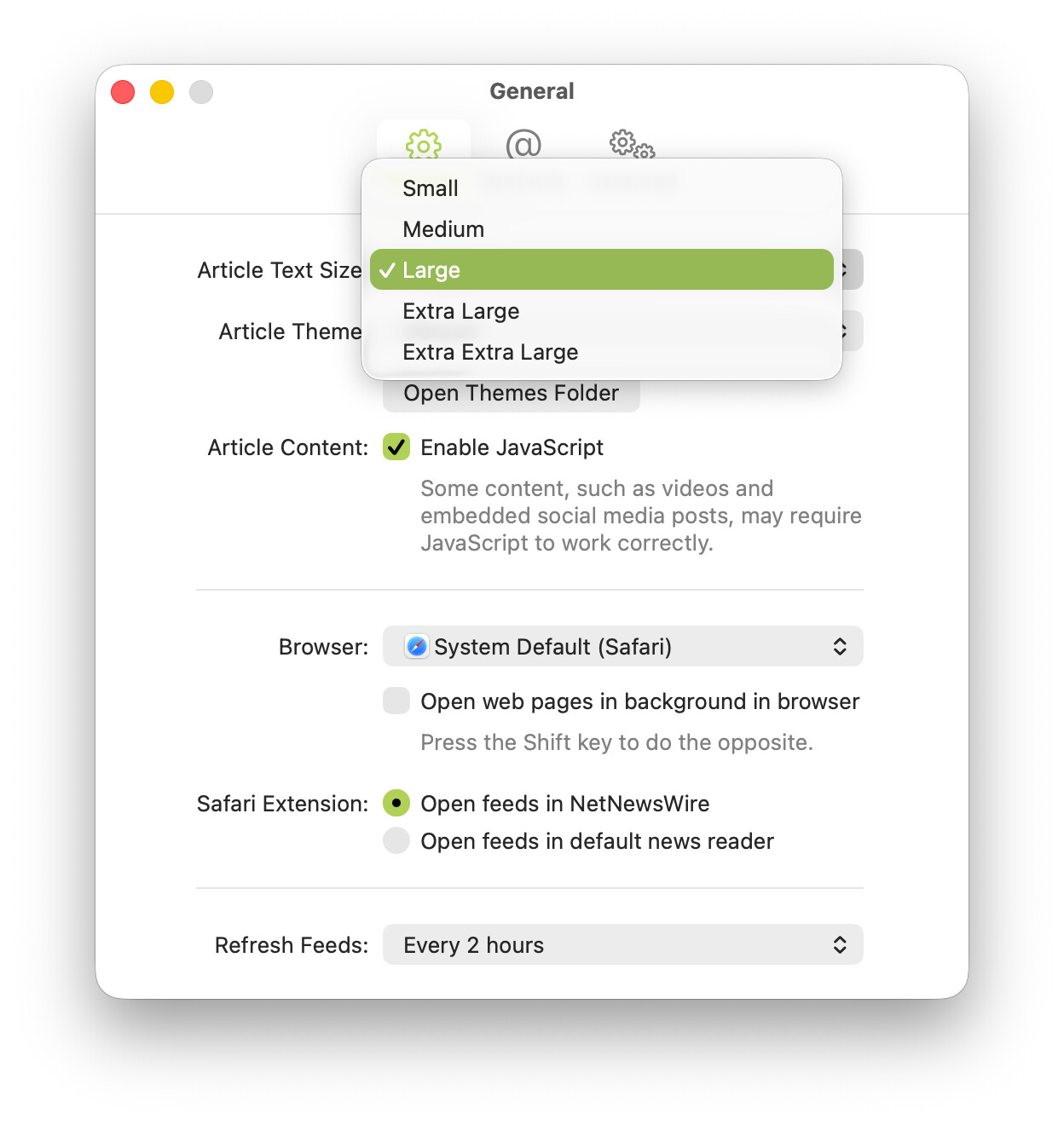
(1) The default size setting should be labeled. I don’t remember the default (which is why I’m posting this!), but assuming it’s Large, I think that item in the menu should be “Large (Default)”.
(2) I’m pretty sure now that the default is in fact Large (I did a defaults delete on the articleTextSize key). I think that’s a little weird, naming wise. I propose renaming the five sizes thus:
Smallest
Smaller
Default
Larger
Largest
or:
Extra Small
Small
Default
Large
Extra Large
Semantically it seems slightly wrong that “Large” means “default”, not “at least somewhat larger than default”. And if the default size is just labeled “Default” it obviates my request in (1) above.
Perhaps too there should be an Article Text Size sub-menu in the View menu, with these same five options. This seems like a setting that could, and maybe should, be settable both via the Settings window and via the View menu. And if we add this sub-menu, maybe it should be like this:
  Extra Small
  Small
✓ Default
  Large
  Extra Large
  -------------
  Increase   ⌘+
  Decrease   ⌘-
(I’m further tempted to suggest that the bottom two commands be named “Embiggen” and “Emsmallen”, but only embiggen is in the dictionary. Perhaps this could be an Easter egg tied to a hidden WiggumTextResizeCommandNames key.)
I think you can guess what happened here — I came up with the list of text sizes, and then later picked one as the default, and it was the one that worked better with my eyesight.
Yes, agreed, this should be clear about which is the default.