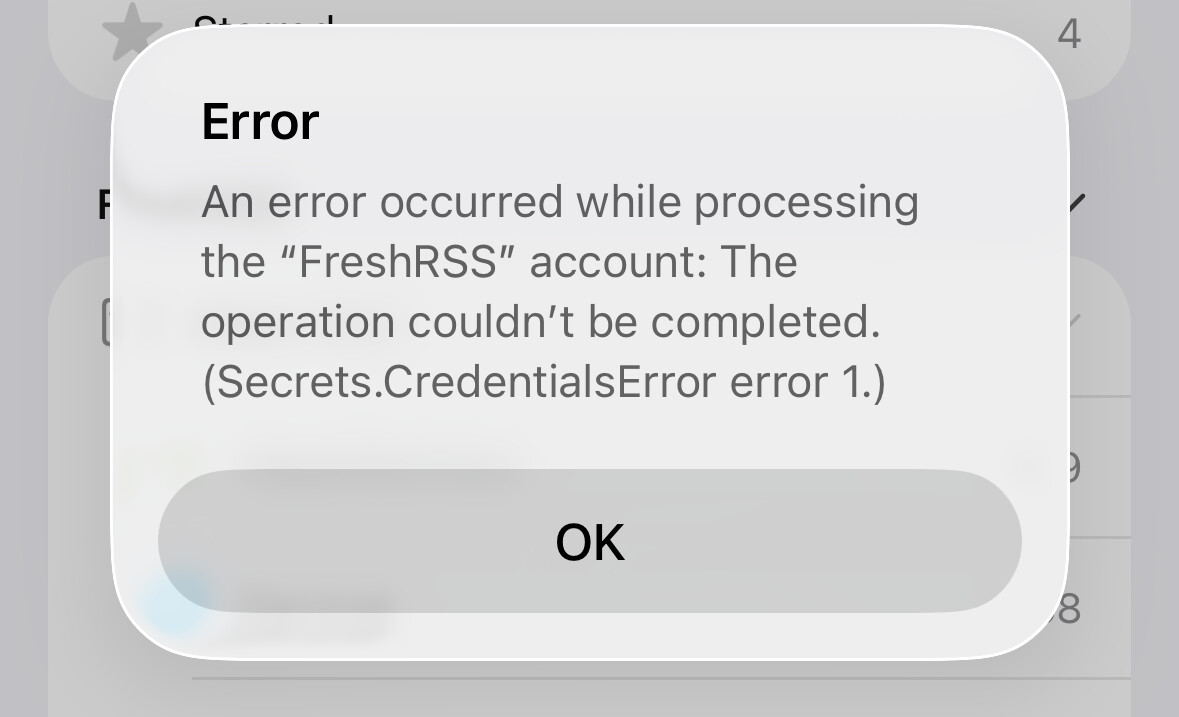
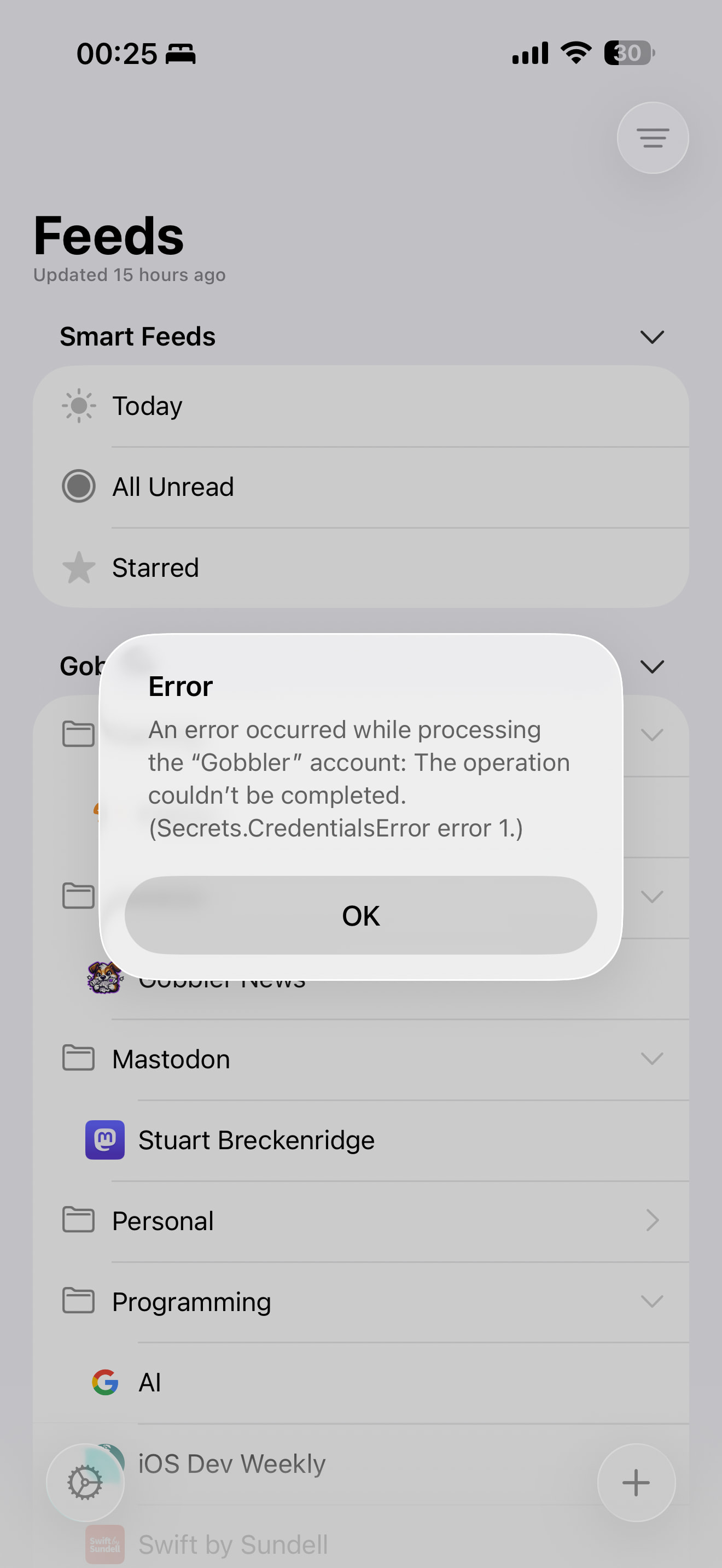
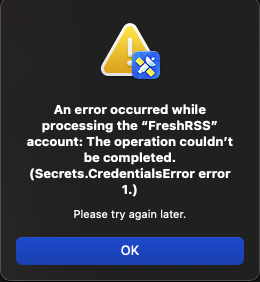
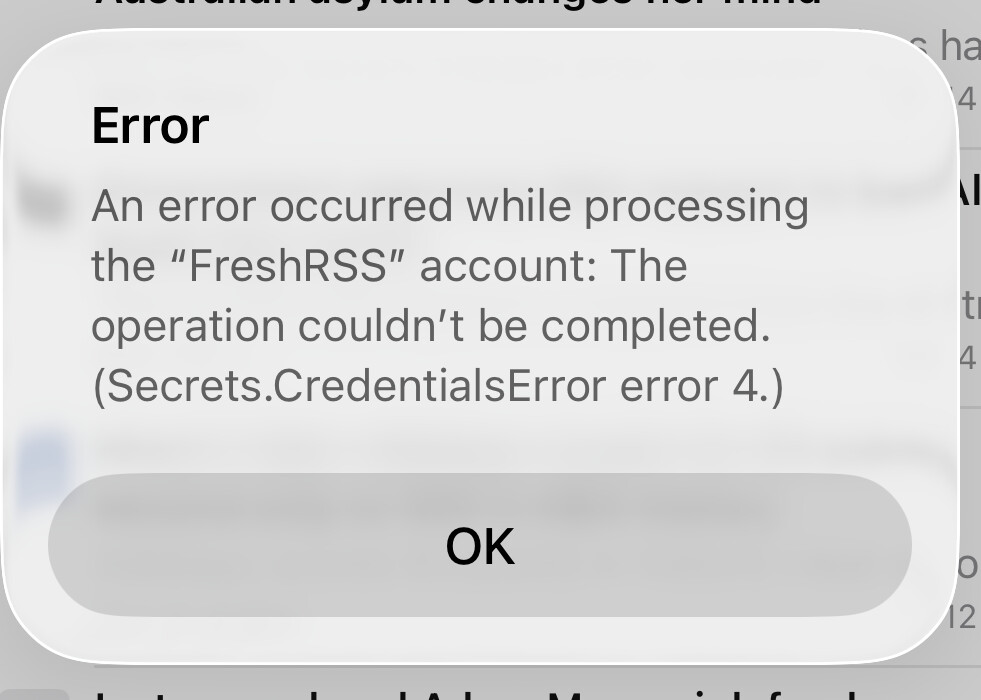
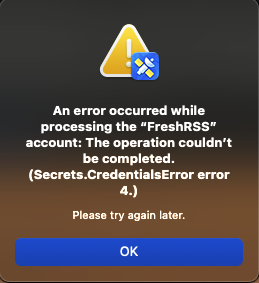
I just updated to 7.0.2 and can’t connect to my local FreshRSS instance that was working fine in 7.0.1. I also can’t seem to update the credentials in a way that lets me update my feeds.
Downgraded to 7.0.1 and everything worked as usual without needing to login at all.
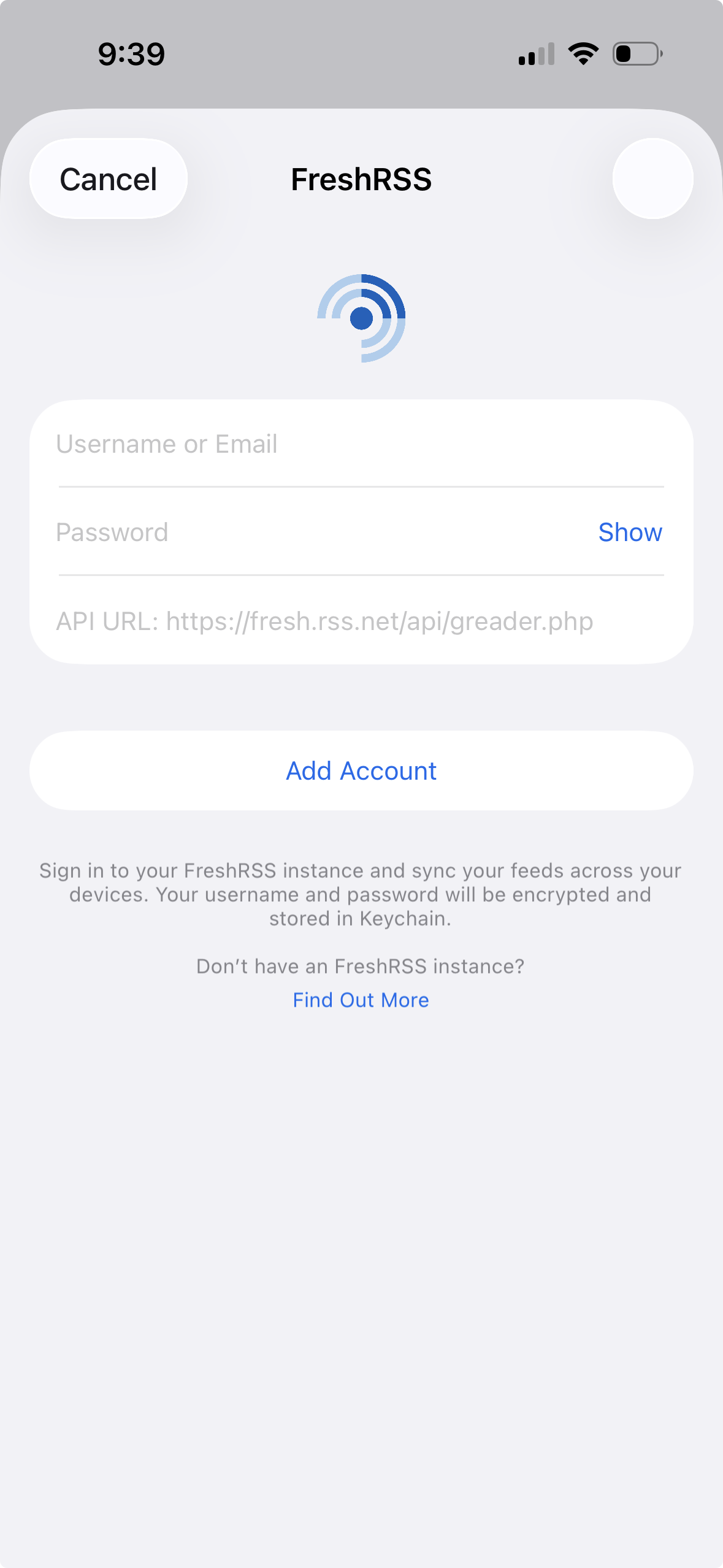
when I go look at my account config the credentials for my FreshRSS account are blank (I’ll post the image in my next reply since I can only add one image per reply)
Upon downgrading, things work fine without re-entering credentials.
No. Entering the correct credentials into this screen didn’t work for me. I didn’t try clearing the entry in the keychain as Stuart suggested but I can try that later today.
Don’t try anything else — go back to 7.0.1 for now. I’ll do a new TestFlight which will hopefully fix your issue. (And, if it doesn’t, that will be important to know in narrowing this down.)
I’ve just posted a new TestFlight build for 7.0.2. First thing is that I think it fixes this bug.
But I could be wrong! So the other thing it does is improve the error codes, so I can have a better idea of what went wrong.
If this happens, please post a screenshot again of the error message. Knowing what the code is matters now (where before it really didn’t tell me anything).
I’ll hold off on entering credentials into the latest build and downgrade back to 7.0.1 since I assume the intended behavior isn’t to require entering credentials into the app upon upgrade. If we are expected to re-enter them let us know and I can do that of course.
The intended behavior is definitely not to have to re-enter credentials. Going back to 7.0.1 for now is the right call.
Error 4 is a keychain error. For some reason it’s having trouble reading from the keychain. Looks like yet more specific error reporting is needed — that will come in the next TestFlight build.
The latest iOS TestFlight release is working perfectly normal for me though, using the existing credentials in my Keychain (didn’t wipe them out like some in this thread have).