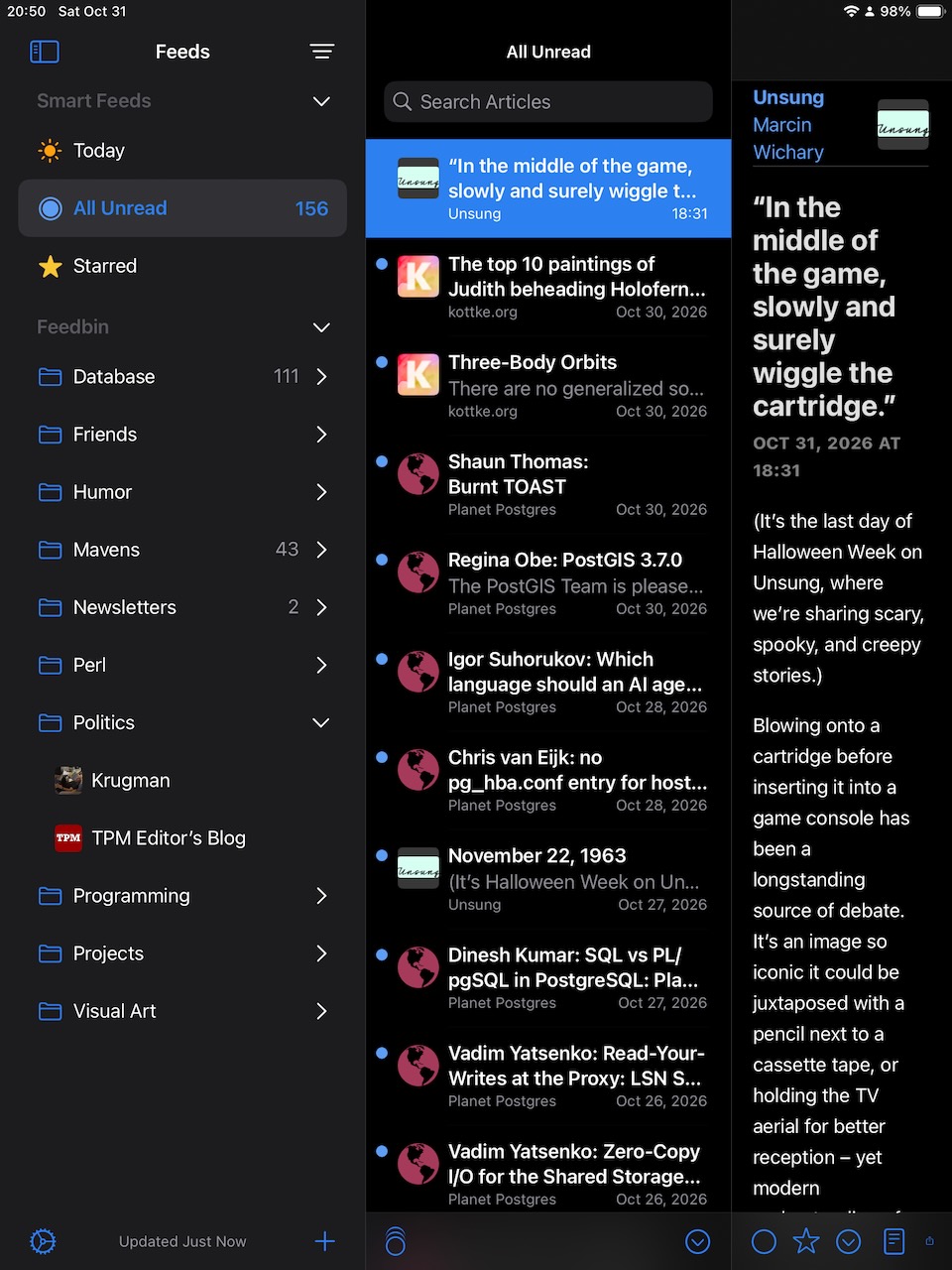
It of course sizes up correctly if I tap the sidebar button in the top left. But it seems like it shouldn’t show three panes when one is so small.
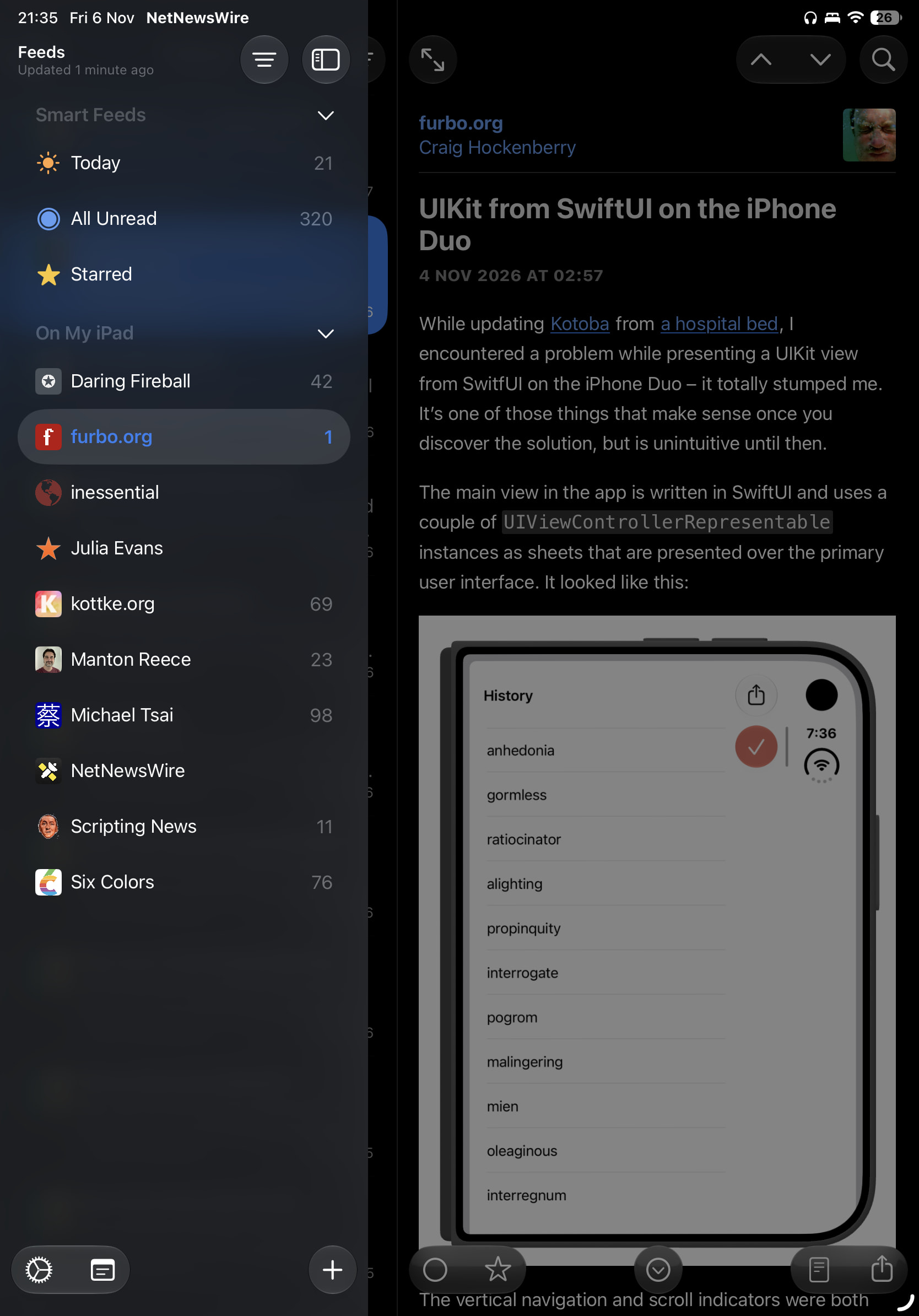
Second, at other times, when the list of feeds overlays the content (rather than being a column alongside it), the show/hide button does not work. Video (shared album expires in 30 days). You should be able to see that I tap the “Feeds” button on the top left a couple times, but nothing happens.
The second definitely looks like a bug. Possibly an iOS bug, but we’ll find out. (I don’t even know how we could make that button not work, even on purpose.)
On the split view display, though, we defer to Apple’s view on how split views should work. I’ve learned that individuals have wildly different, and mutually exclusive, ideas on how split views should work, and so our best choice is to go with the vanilla system behavior.
I sometimes see it floating, too, and that works fine. I honestly don’t know when or how it decides to float over the list of posts as opposed to pushing the other panes to the right. But I do suspect it will clear up once I upgrade.
Will hold off upgrading for now in case I can help with debugging the button issue, at least.